Smart inline fan — add Wi-Fi light control by plugging in
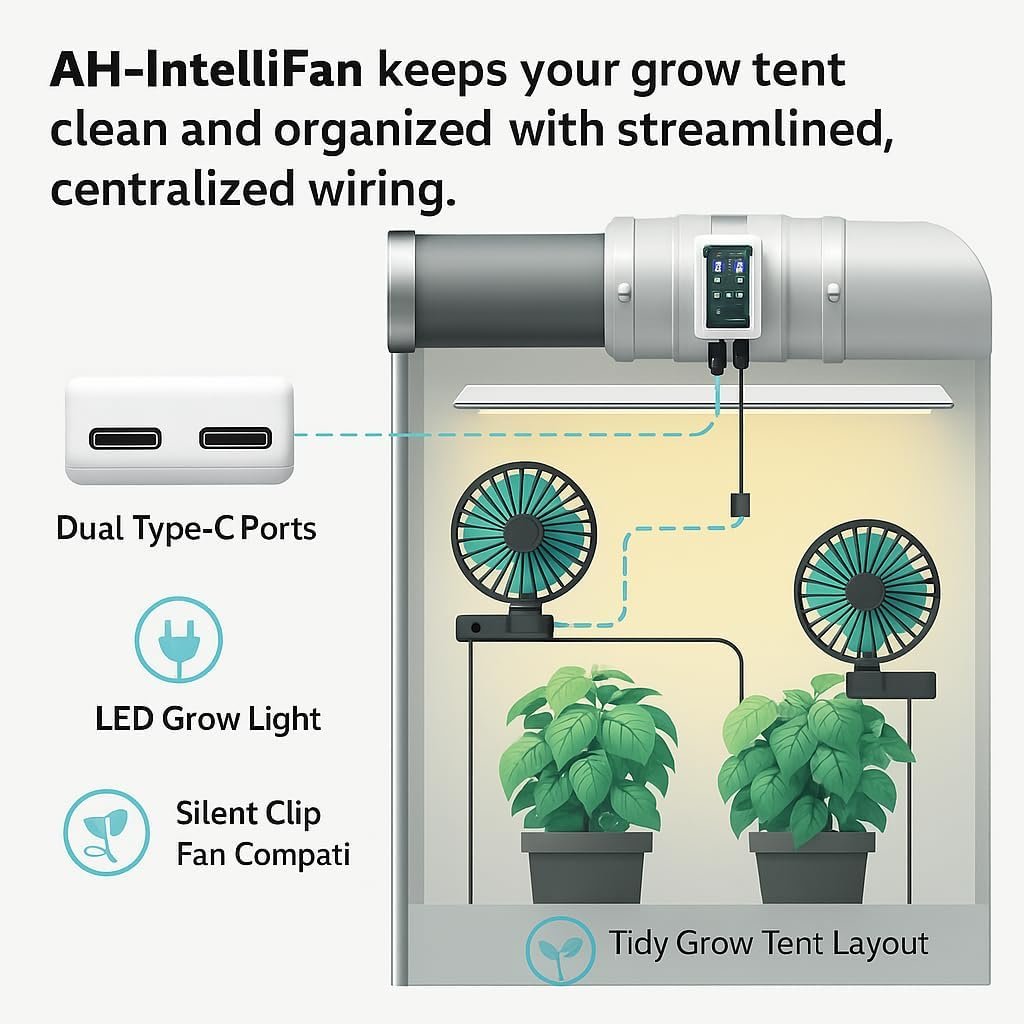
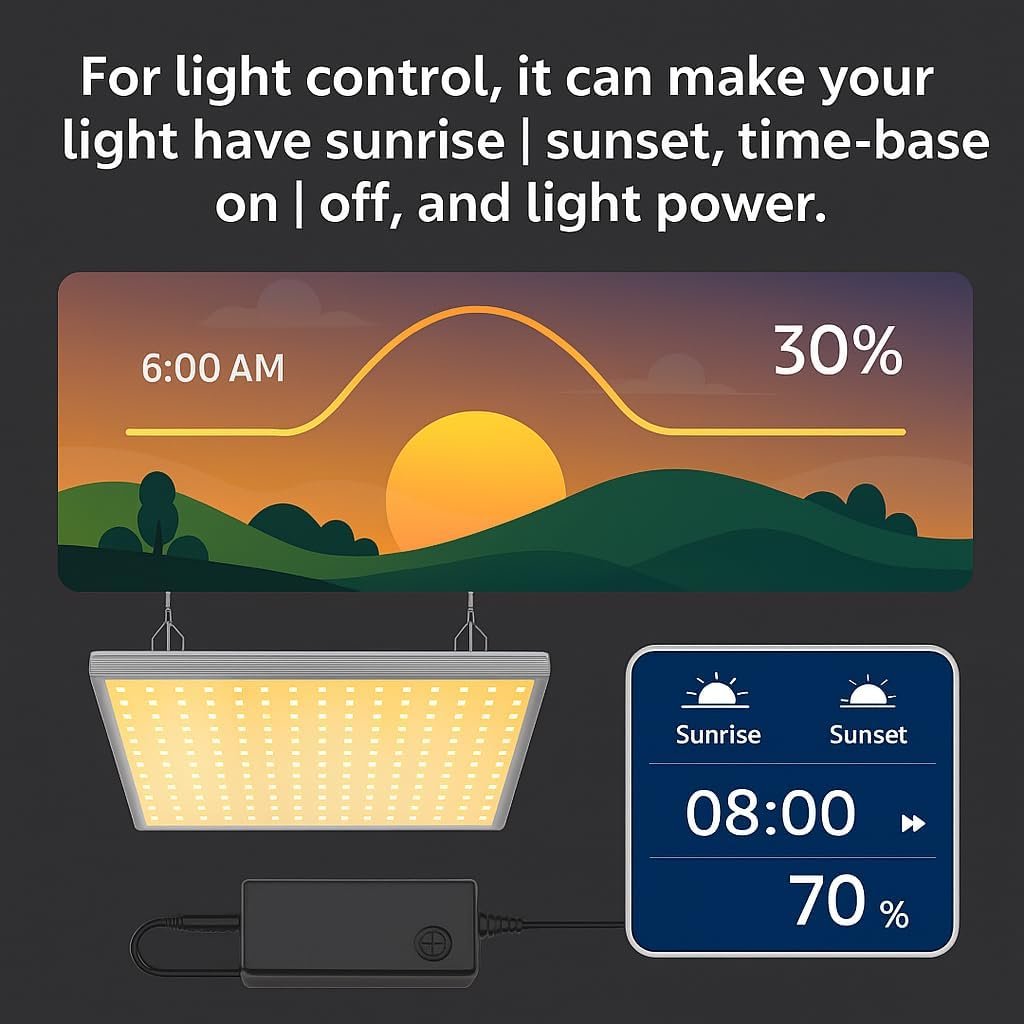
This is a Wi-Fi–enabled duct fan for quiet, efficient airflow — you can control the fan directly in the app. When you plug your grow light’s control lead into the fan’s controller board light port, you can also control the light via Wi-Fi (on/off, schedules, sunrise/sunset dimming) — all in one app.

Why growers choose LightFan
The fan comes first — plug your light into the board to add Wi-Fi light control.
Smart Wi-Fi fan
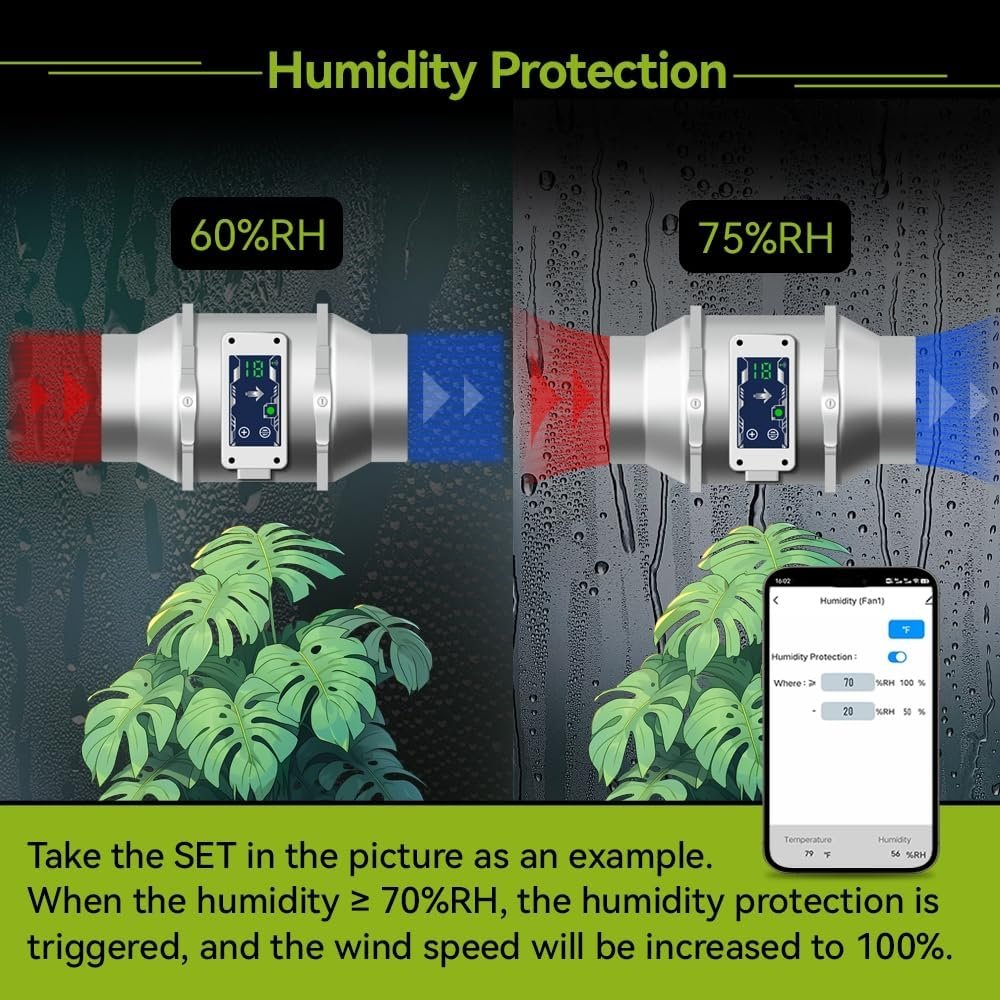
Set schedules and condition rules (e.g., temperature/humidity) to keep climate steady with low noise.
Optional light control
Connect the grow light’s control lead to the controller board’s light port to enable Wi-Fi on/off, schedules, and sunrise/sunset dimming.
One app, two channels
Manage airflow and (when connected) lighting from the Tuya Smart app on iOS/Android.
How it works
1) Mount the fan
Install the Wi-Fi inline fan and power it on. You can already control fan schedules/rules in the app.
2) (Optional) Plug in your grow light
Insert the light’s control lead into the LightFan controller board’s light port to unlock Wi-Fi light control.
3) Set schedules & dimming
Create fan rules for climate, plus on/off and sunrise/sunset for the light — all in the Tuya Smart app.
Specifications
- Product type
- Wi-Fi inline duct fan (fan is the main device)
- Fan control
- Wi-Fi schedules and condition-based rules (e.g., temperature/humidity)
- Light control
- Available after connecting the grow light’s control lead to the fan’s controller board light port (on/off, schedules, sunrise/sunset). See listing for compatibility.
- App
- Tuya Smart (iOS/Android)
- Use environment
- Grow tents / hobby greenhouses
- Model
- Wi-Fi LightFan • ASIN B0DPD9VP7X
* Light control requires a compatible grow light and proper connection. See the Amazon listing for details.
Built for your tent workflow
Climate stability
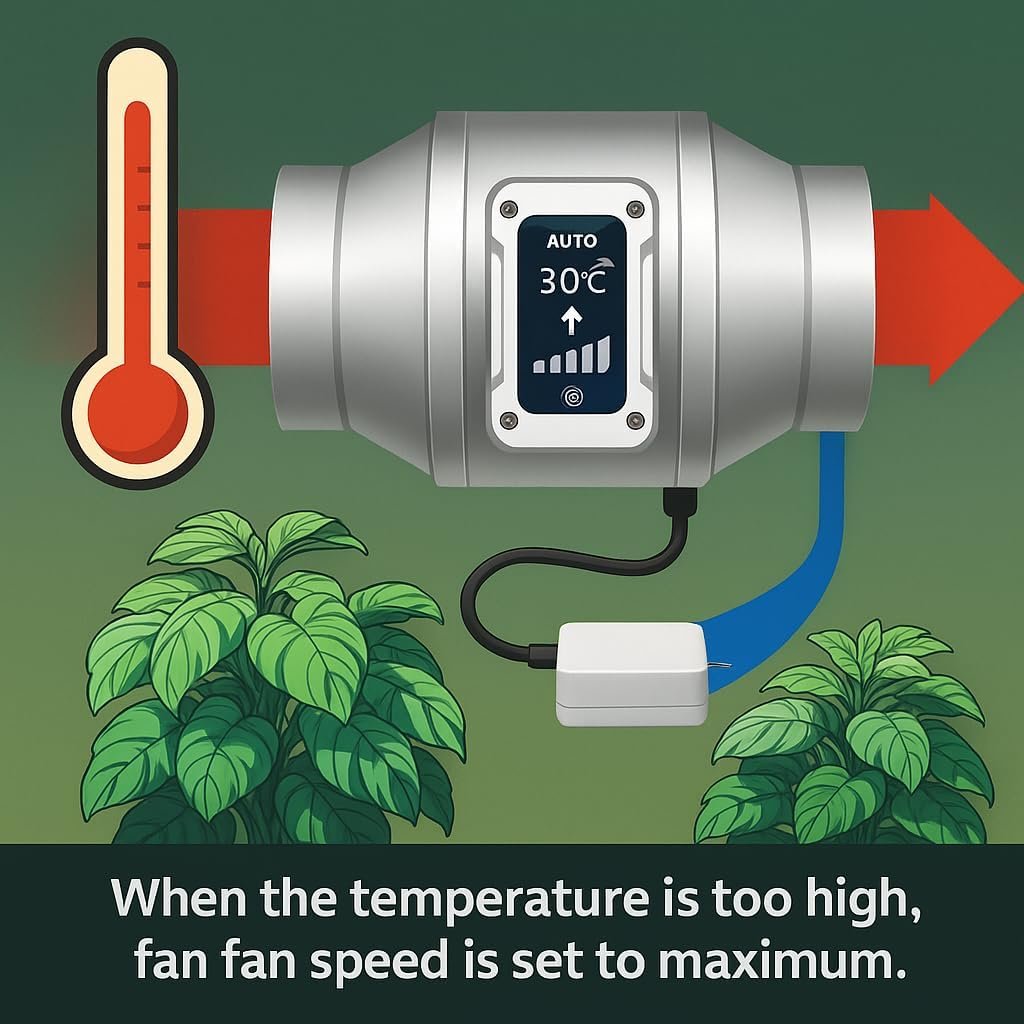
Keep temps steady with rules that ramp the fan only when needed.
Gentle light transitions
Sunrise/sunset ramps avoid plant shock and mimic natural light changes.
Energy-aware control
Schedules and power percentage (when supported) help reduce waste.
Product photos
Close-ups and application shots of the Wi-Fi LightFan.
FAQ
Is the light control built in?
What lights are supported?
Does it require the app to run schedules?
Ready to automate your tent?
Wi-Fi fan control first — add light control by plugging into the board.