Measure the output at the distance and position that matter to your setup.
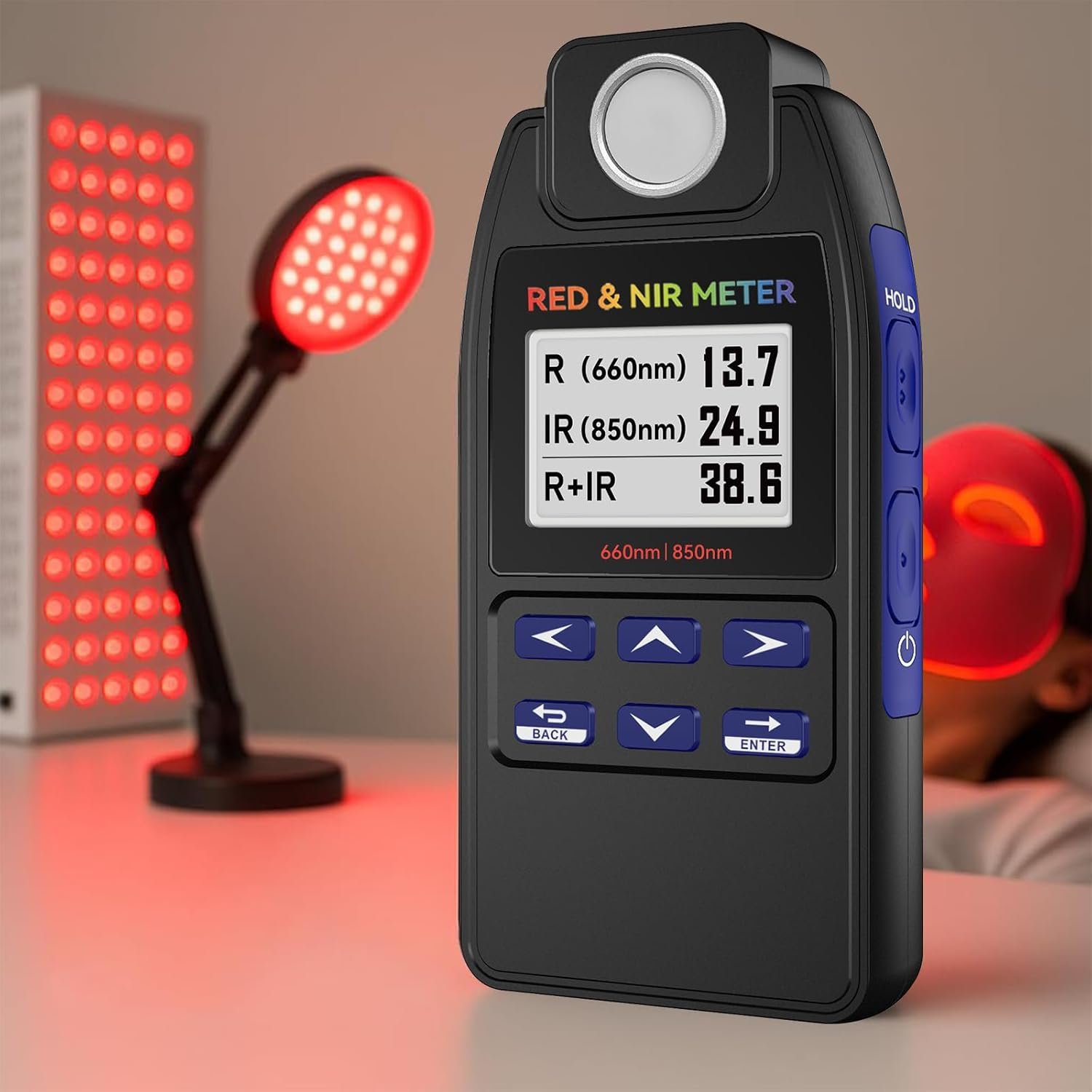
AH-DRNIR Dual-Wavelength Meter

Know What Your Red & NIR Light Is Actually Delivering

Measure 660 nm red and 850 nm near-infrared irradiance separately, compare output at different distances, and map intensity across your device.

660 nm red measurement
850 nm NIR measurement
mW/cm² and W/m²
Up to 99 stored readings

Optical measurement instrument. Not intended for medical diagnosis or treatment.
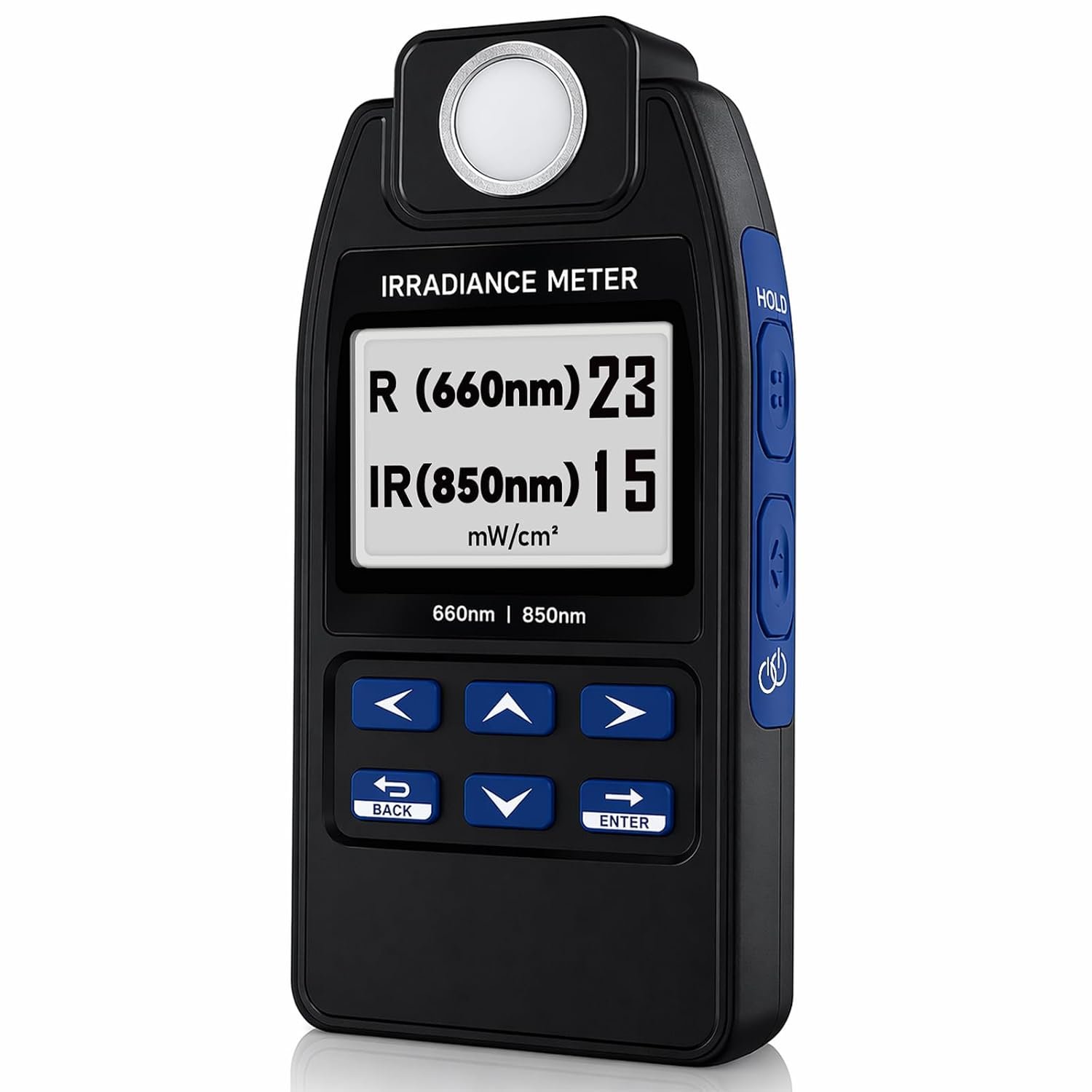
AquaHorti AH-DRNIR red and near-infrared irradiance meter showing separate 660 nm and 850 nm readings
660 nm RedSeparate irradiance reading
850 nm NIRInvisible output, measured
Dual-Wavelength Measurement
Real-Time Display
Hold Function
99-Position Memory
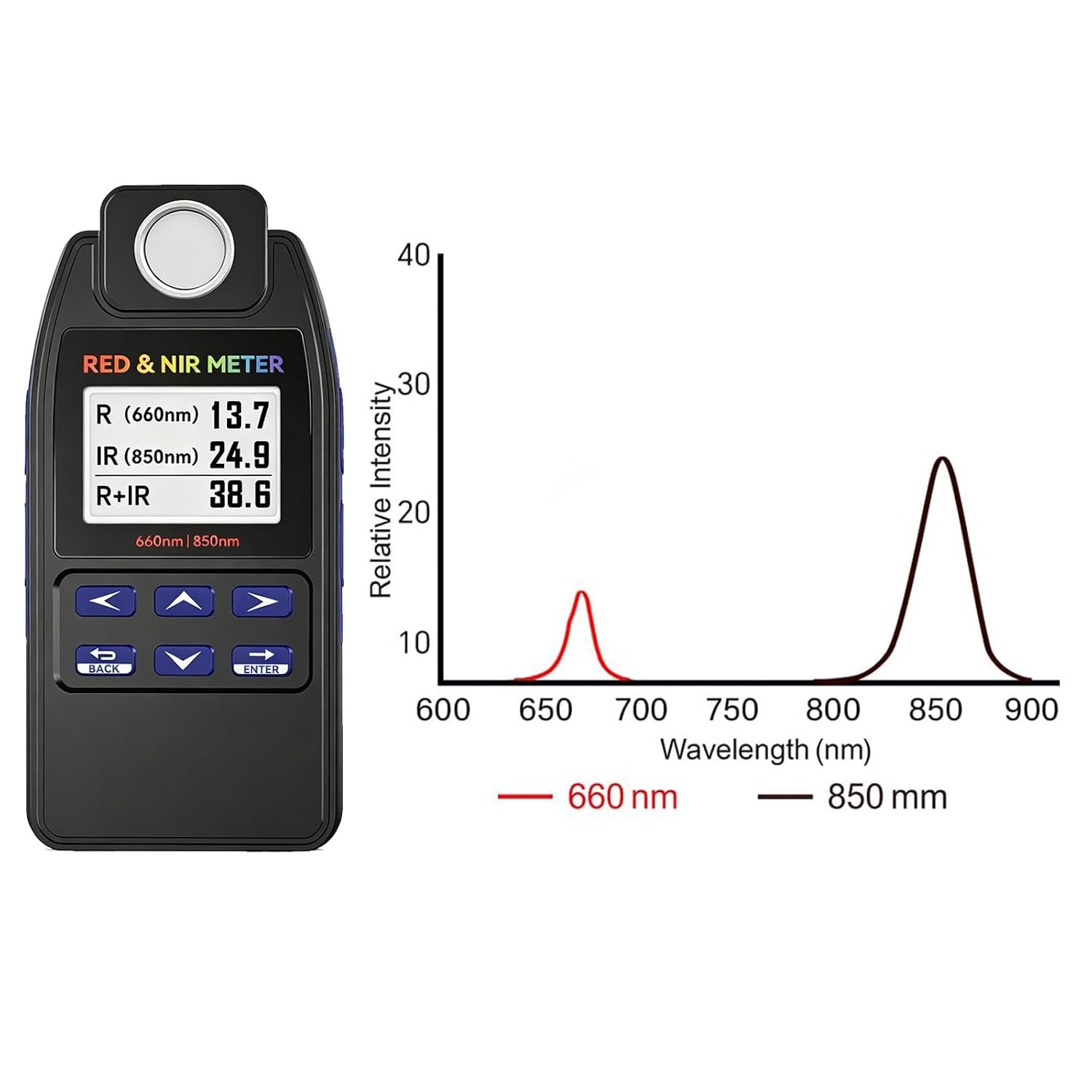
AH-DRNIR meter beside spectral response peaks for 660 nm red and 850 nm near-infrared light
Measure the wavelengths that matter

Separate Readings for Red and Near-Infrared Output

Visible brightness alone does not tell you how much 660 nm red or 850 nm near-infrared energy reaches the measurement point. AH-DRNIR displays each channel separately and also shows the combined R+IR value.

R
660 nm RedView the irradiance contributed by the red-light channel.
IR
850 nm Near-InfraredMeasure NIR output even though it is barely visible to the human eye.
Σ
Combined R + IRSee the total measured output when both channels are operating.
Why measure?

The Number on the Box Is Not Always the Number Reaching the Target

Actual irradiance changes with distance, angle, device setting, and position across the light source. Measure the output in your real setup instead of relying on a single specification.

01

Measure at Your Actual Distance

Check output at the same distance used with your panel, mask, lamp, or other red/NIR device.

02

Find Hot Spots and Weak Areas

Compare the center, corners, and other positions instead of relying on one center reading.

03

Compare Settings and Devices

Check how output changes between brightness levels, distances, devices, and measurement sessions.
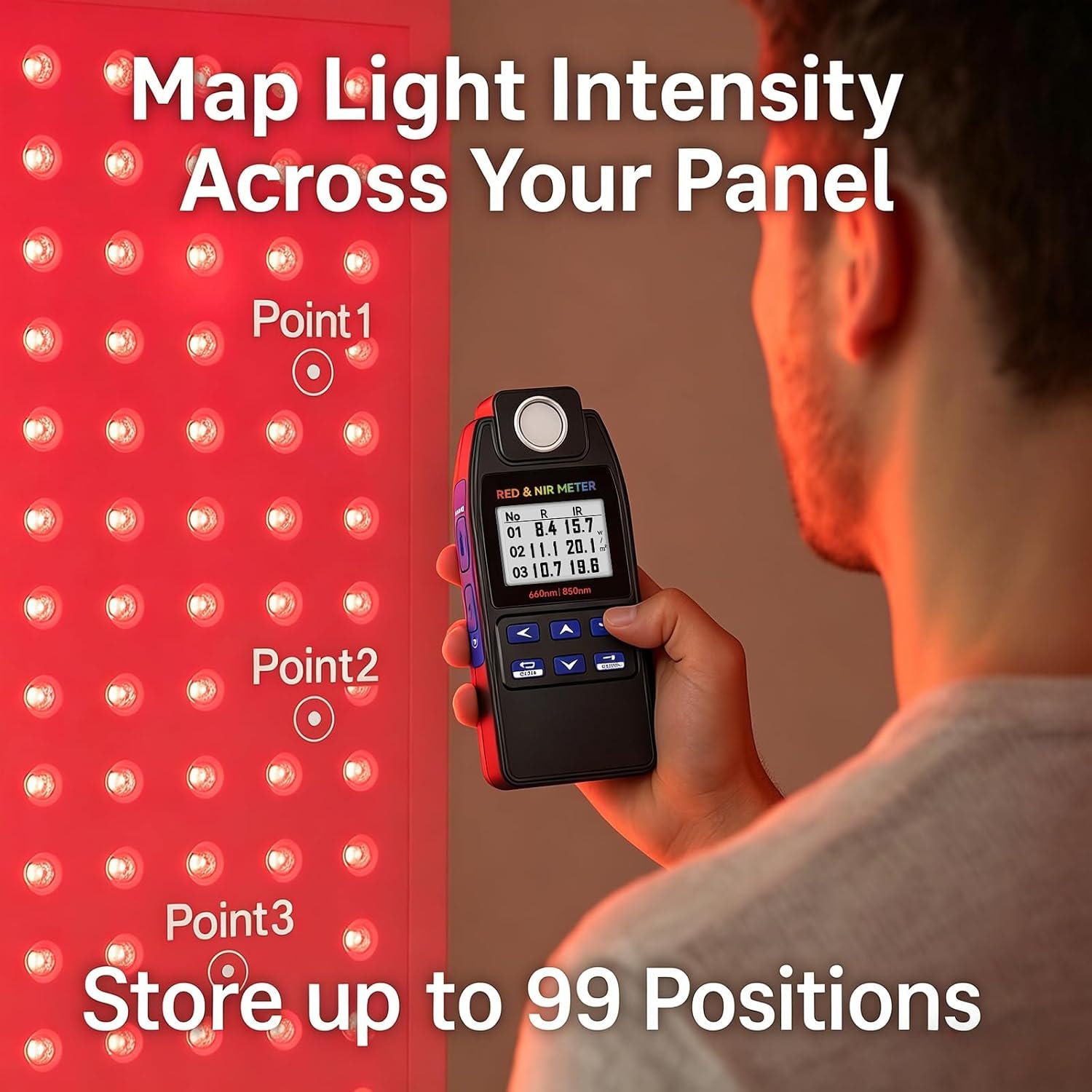
Measuring multiple positions across a red light panel and storing up to 99 readings

Map Light Intensity Across Your Panel

Store readings from up to 99 positions to compare output across a larger device or review measurements later.

Simple workflow

Measure in Four Steps

Keep the sensor position, distance, and angle consistent whenever you compare measurements.

Set the Distance

Place the sensor at the exact distance you want to evaluate.

Aim at the Light Source

Keep the sensor facing the device as directly and consistently as possible.

Take and Hold the Reading

Capture the measurement, then use Hold when the screen is difficult to view in position.

Repeat and Compare

Measure additional positions, settings, distances, or devices using the same method.

For real-world setups

Panels, Masks, Lamps and Other Red/NIR Devices

Use AH-DRNIR to evaluate optical irradiance at a specific point. It is designed for comparing devices, output settings, distances, and positions—not for diagnosing or treating any condition.
1
Full-Size PanelsCheck center-to-edge output and working distance.
2
Desktop DevicesCompare brightness levels and placement.
3
Masks and LampsMeasure output at a consistent sensor position.
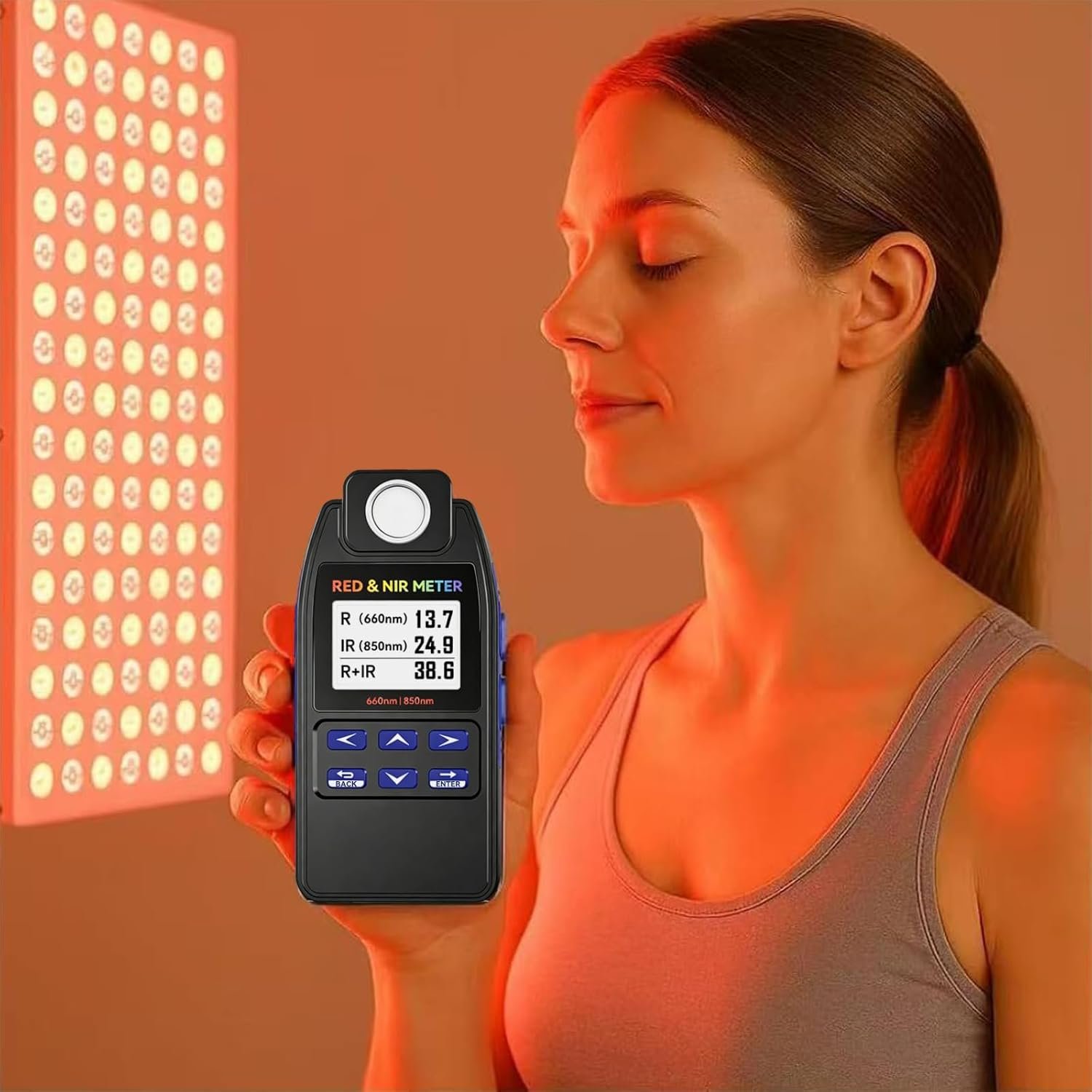
AH-DRNIR meter being used near a red and near-infrared light panel
Product details

AH-DRNIR Specifications

AH-DRNIR handheld irradiance meter with red and near-infrared light devices in the background
Model
AH-DRNIR
Red wavelength
660 nm
Near-infrared wavelength
850 nm
Displayed values
R, IR and R+IR
Measurement units
mW/cm² and W/m²
Data storage
Up to 99 readings
Display
Backlit LCD
Power
2 × AAA batteries
Product size
5.35 × 2.56 × 0.91 in
Product weight
6.7 oz
Questions

Frequently Asked Questions

Can it measure red and near-infrared at the same time?

Yes. AH-DRNIR displays the 660 nm red reading, the 850 nm near-infrared reading, and the combined R+IR value.

Can one reading represent an entire panel?

No single point represents every part of a large panel. Take readings at the center, corners, and other positions to understand how output varies across the device.

Why does the reading change with distance?

Light spreads as it travels away from the source, so irradiance normally changes with distance, angle, output setting, and measurement position.

What is the Hold function useful for?

It freezes the measurement so you can move the meter away from the light source and read the display more comfortably.

Is AH-DRNIR a medical device?

No. It is an optical measurement instrument and is not intended to diagnose, treat, cure, or prevent any disease.

Stop Guessing. Measure the Output at the Point That Matters.

View current price, delivery, returns, and availability.

View Purchase Options